Introduction
Road accidents happen without warning. Even careful drivers can find themselves in an unexpected situation where using a mobile phone becomes difficult or impossible. Sometimes the driver may be injured, unconscious, confused or simply unable to explain their location. Family members may not know where the person is or how to reach them. During those first few minutes, the biggest challenge is often communication—not the lack of people willing to help. BT Conexa was created to make emergency communication simpler. It is not designed to replace police, ambulance or other emergency services. Instead, it provides responsible tools that may help nearby people notify a driver's trusted emergency contacts more quickly when support is needed.
Why Communication Often Becomes Difficult
Most people assume they will simply call someone after an accident. In reality, that is not always possible. A driver may be unconscious, have an injured hand, be unable to unlock the phone, not know the exact location or be too distressed to communicate clearly. Meanwhile, family members may only know that the person left for a journey but has not arrived. The delay in communication often creates unnecessary stress for everyone involved.
A Practical Situation
Imagine someone is driving home after work. An accident occurs on a highway. The driver is unable to use the phone because of an injury.
A passer-by stops to help. Normally, the helper would not know whom to contact or where to find emergency contact information without accessing the driver's personal belongings.
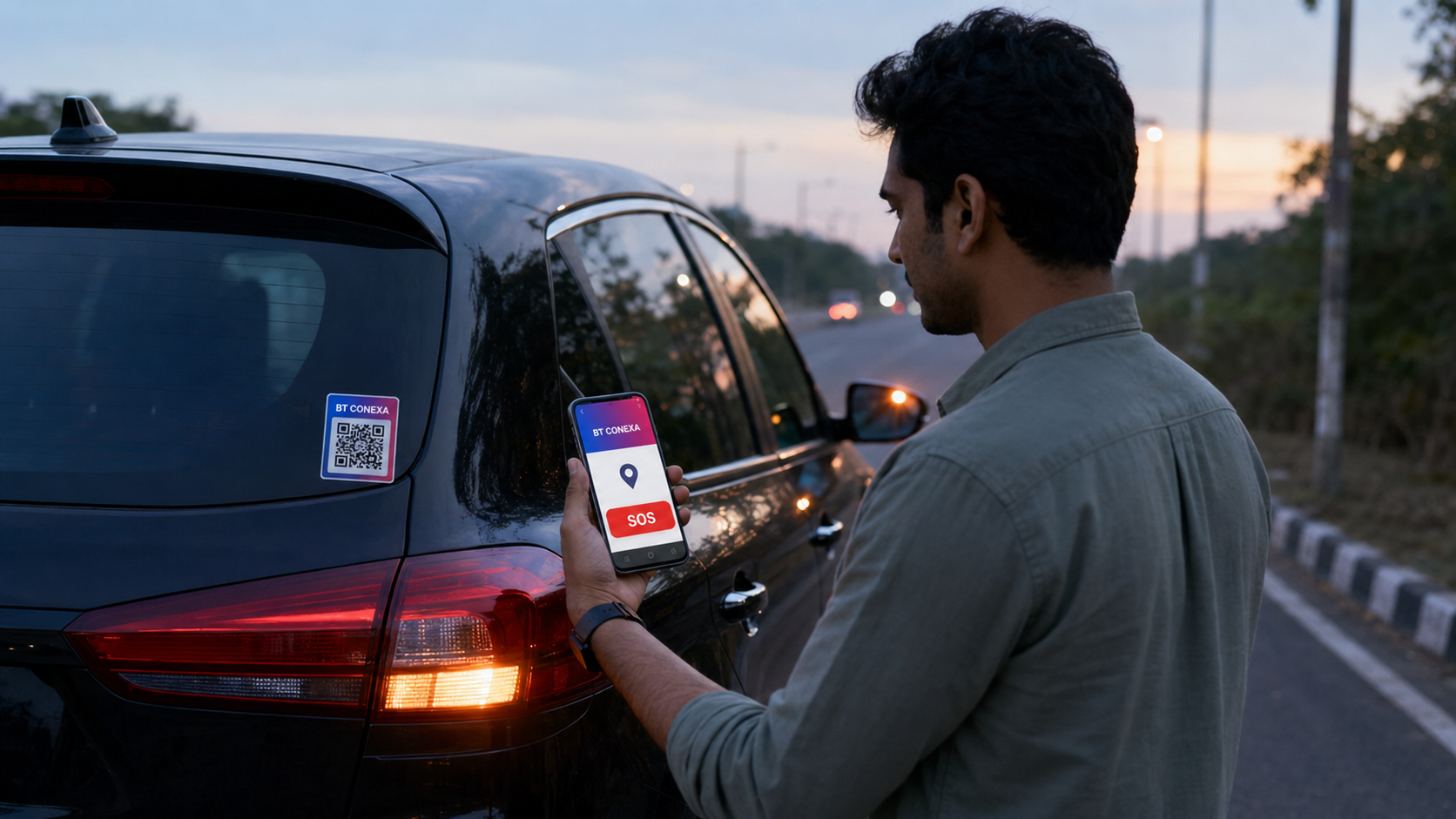
If the vehicle displays a BT Conexa Vehicle QR Code, the helper can simply scan it using a smartphone. Depending on the available BT Conexa features, network connectivity and device permissions, the helper may be able to initiate communication with the driver's trusted emergency contacts without needing access to the driver's private phone.
How BT Conexa SOS Works
The process is designed to remain simple.
1. A nearby person notices the BT Conexa Vehicle QR Code.
2. The QR Code is scanned using a smartphone.
3. The BT Conexa emergency page opens.
4. The helper follows the available emergency communication options.
5. Trusted emergency contacts receive the supported notification.
The exact experience depends on the enabled BT Conexa features, internet connectivity, device permissions and recipient availability.